How to Automate Your Business Using AI (Step-by-Step Guide)
Learn how to automate your business using AI with this step-by-step guide. Save time, reduce costs, and improve efficiency with smart automation tools.
How to Automate Your Business Using AI (Step-by-Step Guide)
Introduction
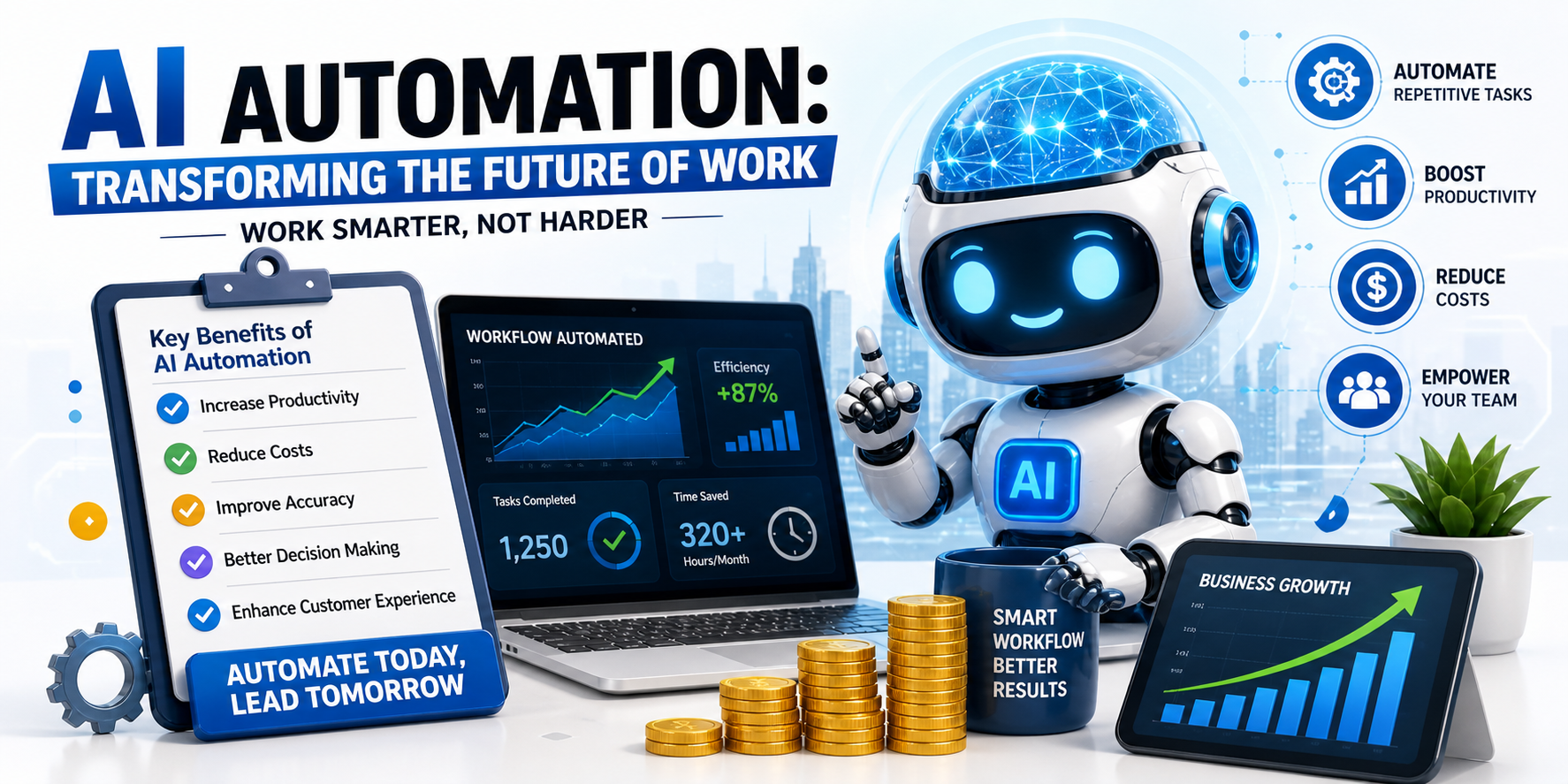
AI automation is helping businesses work faster and smarter. Instead of doing repetitive tasks manually, companies now use AI tools to automate workflows, reduce costs, and improve efficiency.
In this guide, you will learn how to automate your business step by step using AI tools even if you are a beginner.
If you are new to AI, read: What is AI Automation? A Simple Guide for Businesses
What is Business Automation?
Business automation means using technology to perform tasks without human effort.
These tasks include:
Data entry, Customer support, Email responses,, Report generation Workflow management,
AI automation takes this further by making systems smarter and more efficient.
Why You Should Automate Your Business
Businesses use AI automation because it helps:
Save time on repetitive tasks, Reduce operational costs, Improve accuracy, Increase productivity, Scale faster,
Automation allows your team to focus on growth instead of routine work.
Step-by-Step Guide to Automate Your Business
Step 1: Identify Repetitive Tasks
Start by finding tasks that:
Are done daily, Take too much time, Do not require human creativity,
Examples:
Replying to customer queries, Manual data entry, Sending emails,
These are the best tasks to automate first.
Step 2: Choose the Right AI Tools
Select tools based on your needs.
Read: Top AI Automation Tools for Businesses
Common tools include:
Workflow automation tools, AI chatbots, CRM systems, Data processing tools,
Start simple and expand later.
Step 3: Automate One Process at a Time
Do not try to automate everything at once.
Start with:
Email automation, Customer support chatbot, Lead management,
This helps you avoid confusion and errors.
Step 4: Integrate Your Tools
Connect your tools to create a smooth workflow.
For example:
Connect website → CRM → email system, Sync data between apps, Automate notifications,
This removes manual work and improves efficiency.
Step 5: Test and Improve
After automation:
Test workflows, Check for errors, Improve performance,
Automation should evolve with your business.
Real Examples of AI Automation
Businesses are already using AI in many ways:
Chatbots handling customer queries 24/7, Automated emails for marketing, AI tools generating reports, Systems managing leads automatically,
These examples show how automation saves time and increases efficiency.
Common Mistakes to Avoid
Avoid these mistakes when starting:
Automating everything at once, Choosing complex tools too early, Ignoring team training, Not testing workflows,
Start small and grow step by step.
Benefits of AI Automation
AI automation helps you:
Reduce manual work, Improve workflow speed, Increase accuracy, Save costs, Scale your business faster,
Learn more: How AI Automation Reduces Costs and Saves Time
Who Should Use AI Automation?
AI automation is useful for:
Startups, Small businesses, Enterprises, E-commerce stores, Service-based companies,
Any business that wants to grow faster can benefit.
Future of Business Automation
In the future, AI automation will:
Become more advanced, Handle complex tasks, Improve decision-making, Enhance customer experience,
Businesses that adopt AI early will stay ahead of the competition.
Conclusion
Automating your business with AI is no longer optional it is essential.
By following a simple step-by-step approach, you can:
Save time, Reduce costs, Improve efficiency, Grow faster,
Start small, choose the right tools, and build automation step by step.
About the Author
Stuck Media is a knowledgeable contributor sharing expertise and insights on technology and business topics.
Comments
Leave a Comment
Your comment will be reviewed by our team before appearing.
Loading comments...