Top AI Automation Tools for Businesses (2026 Guide)
Top AI automation tools for businesses in 2026. Learn how to automate workflows, improve efficiency, and scale your business with the best AI tools.
Top AI Automation Tools for Businesses (2026 Guide)
Introduction
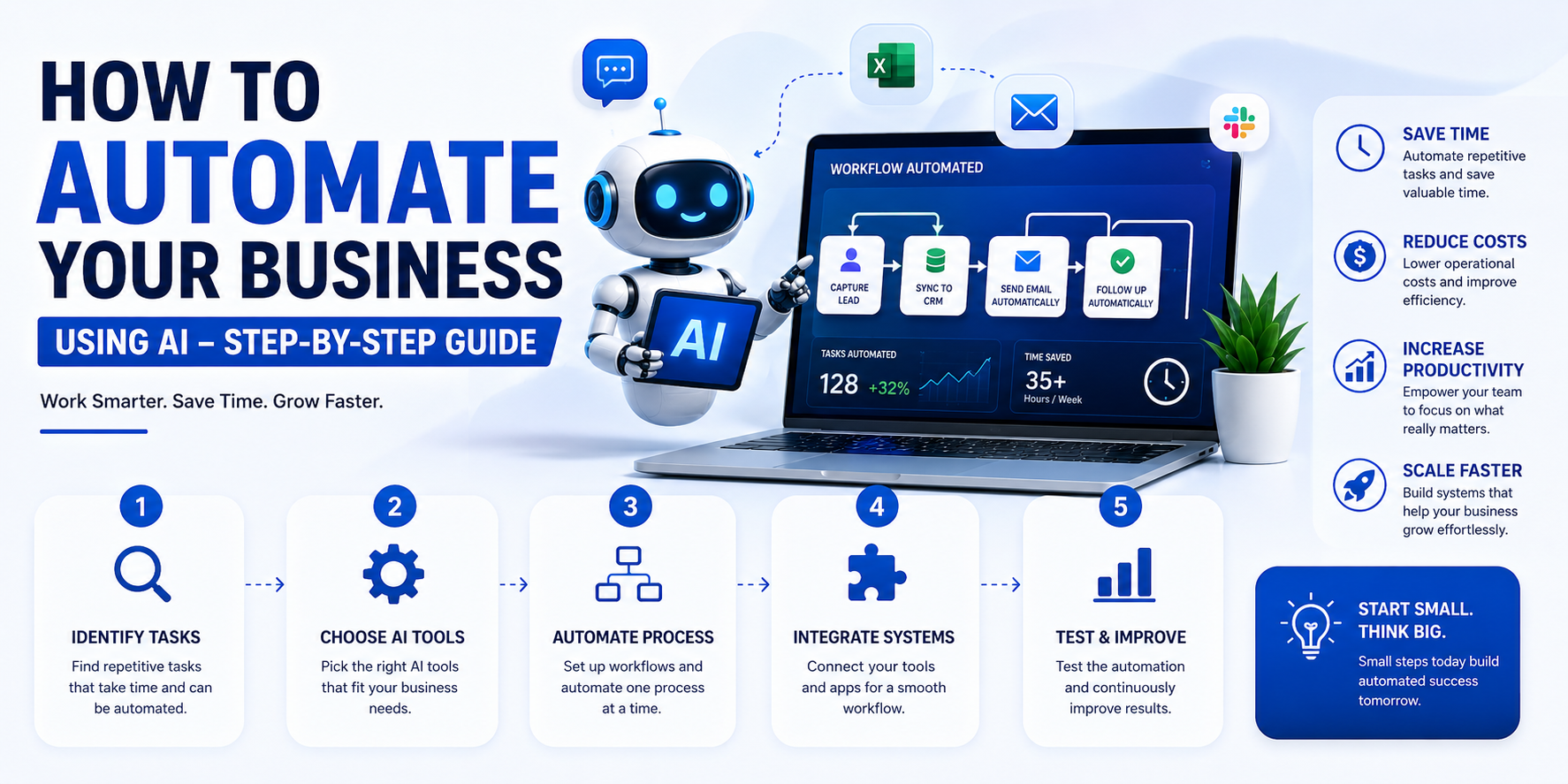
AI automation tools are helping businesses save time, reduce costs, and improve productivity. Instead of doing repetitive tasks manually, companies now use AI tools to automate workflows, manage data, and improve customer experience.
If you are just getting started with automation, choosing the right tools can make a big difference. In this guide, we will explore the best AI automation tools for businesses and how they can help you grow faster.
If you’re new to this topic, read our guide on What is How AI Automation Works for Business Growth
What Are AI Automation Tools?
AI automation tools are software solutions that use artificial intelligence to perform tasks automatically. These tools can handle tasks like:
- Data entry
- Customer support
- Email automation
- Report generation
- Workflow management
They help businesses reduce manual work and improve efficiency.
Why Businesses Use AI Tools
Businesses use AI automation tools because they:
- Save time on repetitive tasks
- Reduce operational costs
- Improve accuracy and reduce errors
- Increase productivity
- Enhance customer experience
AI tools allow teams to focus on important work instead of routine tasks.
Best AI Automation Tools for Businesses
Here are some of the most popular and useful AI tools:
1. Zapier (Workflow Automation)
Zapier helps you connect different apps and automate workflows without coding.
Use Cases:
- Automatically send emails = Sync data between apps = Automate repetitive tasks
Best For: Small businesses and startups
2. Make (Advanced Automation)
Make (formerly Integromat) allows you to create complex workflows with visual automation.
Use Cases:
- Multi step automation = Data processing = API integrations
Best For: Advanced users and growing businesses
3. ChatGPT (AI Content & Support)
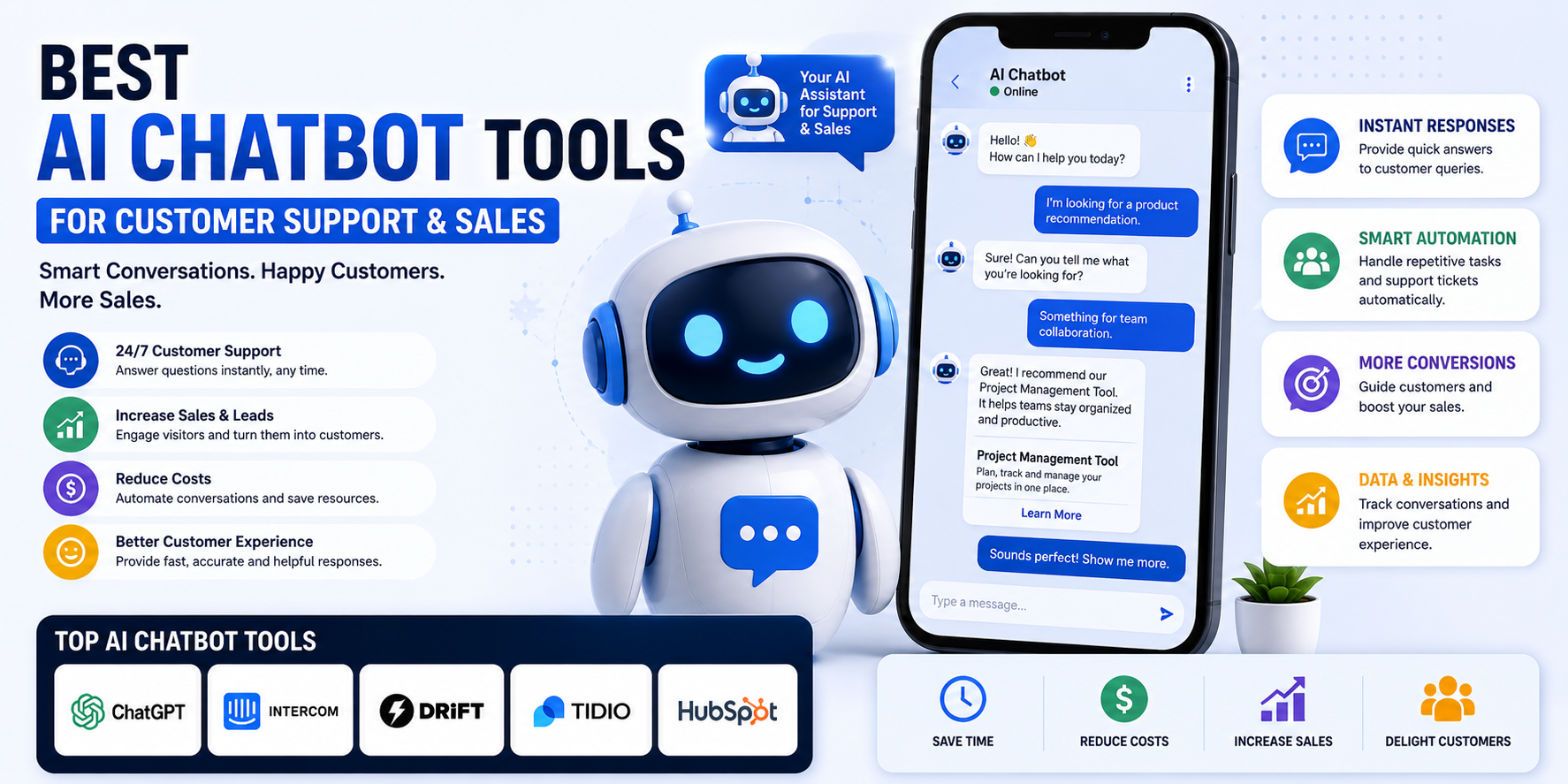
ChatGPT helps automate content creation and customer communication.
Use Cases:
- Writing content
- Customer support replies
- Idea generation
Best For: Marketing and support teams
4. HubSpot (CRM & Marketing Automation)
HubSpot offers automation for sales, marketing, and customer management.
Use Cases:
- Email marketing automation
- Lead tracking
- Customer relationship management
Best For: Businesses managing leads and sales
5. UiPath (Enterprise Automation)
UiPath is a powerful tool for robotic process automation (RPA).
Use Cases:
- Automating business processes = Data entry automation = Enterprise workflows
Best For: Large businesses and enterprises
How to Choose the Right AI Tool
Choosing the right tool depends on your needs. Consider:
- Your business size
- Type of tasks you want to automate
- Budget
- Ease of use
- Integration with your current tools
Start with simple tools and scale as your business grows.
Common Mistakes to Avoid
When using AI tools, avoid these mistakes:
- Choosing too many tools at once
- Not defining clear goals
- Ignoring team training
- Not integrating tools properly
Start small and expand gradually.
How AI Tools Improve Business Efficiency
AI automation tools help businesses:
- Reduce manual workload
- Improve workflow speed
- Increase accuracy
- Save operational costs
- Deliver better customer experience
These improvements directly impact business growth.
Conclusion
AI automation tools are essential for modern businesses. They help you save time, reduce costs, and improve efficiency.
By choosing the right tools and using them correctly, you can automate your workflows and scale your business faster.
Start small, test different tools, and build a system that works for your business.
To build these scalable systems, our team uses specialized architectures. Check out our custom Serices to scale your infrastructure.
About the Author
Stuck Media is a knowledgeable contributor sharing expertise and insights on technology and business topics.
Comments
Leave a Comment
Your comment will be reviewed by our team before appearing.
Loading comments...