How to Build a High Converting UI/UX System
Ready to build? Discover how to engineering a high converting UI/UX system using Figma, Framer, and Hotjar. Master the expert tools used by the top 1%.
How to Build a High Converting UI/UX System: What Tools & Frameworks Do Experts Use?
Let’s be honest: understanding the basic definition of UI/UX design is pretty easy. You know that UI is how a website looks, and UX is how it feels. But knowing the theory is only 10% of the game. The real challenge the part where 90% of tech agencies and startups fail is transforming those abstract wireframes into a functional, pixel perfect, high converting digital product.
Think about it. How do you go from a blank canvas to a software system that feels completely natural to a user? How do you ensure that your design team and your frontend development team are actually speaking the same language, instead of constantly fighting over layout margins and broken padding?
If you want to stop guessing, stop wasting design hours, and discover the exact production ready tools and frameworks that the top 1% of product development teams use daily, this hands on engineering guide is your ultimate blueprint.
The Ultimate UI/UX Tech Stack: Tools that Drive Real Conversion
Before you write a single line of Next.js code or sketch a layout, you need to arm your digital engineering team with the right tools. If you use outdated, heavy software, your final workflow will be slow and full of friction.
A professional, elite interface production line is strictly divided into three core software pillars:
1. Vector Mockups & Collaborative Prototyping (The Foundation)
-
Figma (The Undisputed Industry King): Figma isn’t just a simple design tool; it is a live cloud infrastructure for UI/UX ecosystem building. It allows software engineers and UI designers to co author vector grids simultaneously in real time. Features like Auto Layout simulate real CSS flexbox environments, which means your designer is building components the exact same way a frontend developer writes code. It allows you to hand off clean CSS properties, Tailwind utility tokens, and exact component dimensions straight to your GitHub repository.
-
Adobe XD: While Figma dominates the market, Adobe XD remains a strong alternative for large enterprise development teams who are already locked deeply into the Adobe Creative Cloud ecosystem. It features great vector scaling and built in voice command prototyping.
2. High Fidelity Micro Interactions & Motion (The Feel)
- Framer & Principle: Static, unmoving screens are boring. They don't capture how a modern application actually behaves when a user interacts with it. When you need to design complex animations, custom page transitions, or intelligent button hover states, tools like Framer and Principle step in. Framer uses a code backed rendering engine, bridging the wide gap between a flat design mockup and a fully responsive browser environment.
3. User Behavior Auditing & Analytical Testing (The Truth)
- Hotjar & Microsoft Clarity: What happens after your application goes live on your server? How do you know your conversion path actually works? You use behavioral tracking tools. Hotjar and Microsoft Clarity allow you to view anonymous recordings of live user sessions, analyze visual heatmaps, and measure precise scroll depth analytics. If users are getting stuck on a registration form or abandoning their checkout carts, these tools show you exactly where the UI friction is happening so you can fix it immediately.
How to Establish an Elite UI/UX Workflow: A Step by Step Implementation Framework
Building an interface that guarantees a massive drop in website bounce rates requires a highly calculated, step by step framework. You cannot rely on random inspiration or visual trends. You must follow a clean, structured design pipeline.
Here is the exact production workflow used by elite digital teams to engineer high converting software systems from the ground up:
Step 1: Run a Deep Behavioral Discovery & User Mapping Audit
Great software doesn't start with colors, fonts, or icons. It starts with user psychology and clear behavioral mapping. Before you open Figma, you must understand how your specific target audience behaves. What are their main technical frustrations? What are they trying to achieve on your application in the shortest time possible?
Use digital whiteboarding tools like FigJam or Miro to draw out highly interactive user flows. Map out every single potential user path predicting exactly how a customer will land on a blog article, click through to your service solutions, and navigate seamlessly into a final high value conversion form. By fixing user experience dead ends on a digital whiteboard first, you save hundreds of hours of manual debugging in production code later.
Step 2: Engineer a Scalable, Unified Component Design System
One of the most amateur mistakes a digital studio can make is designing screen-by-screen. Doing this creates absolute visual chaos. By the time you reach page twenty, your application will have fifteen different styles of buttons, conflicting font sizes, and mismatched input fields.
Instead, your team must build a centralized, reusable Design System within Figma before touching a main layout screen. Think of this as your global configuration file. In this system, you must rigidly define:
-
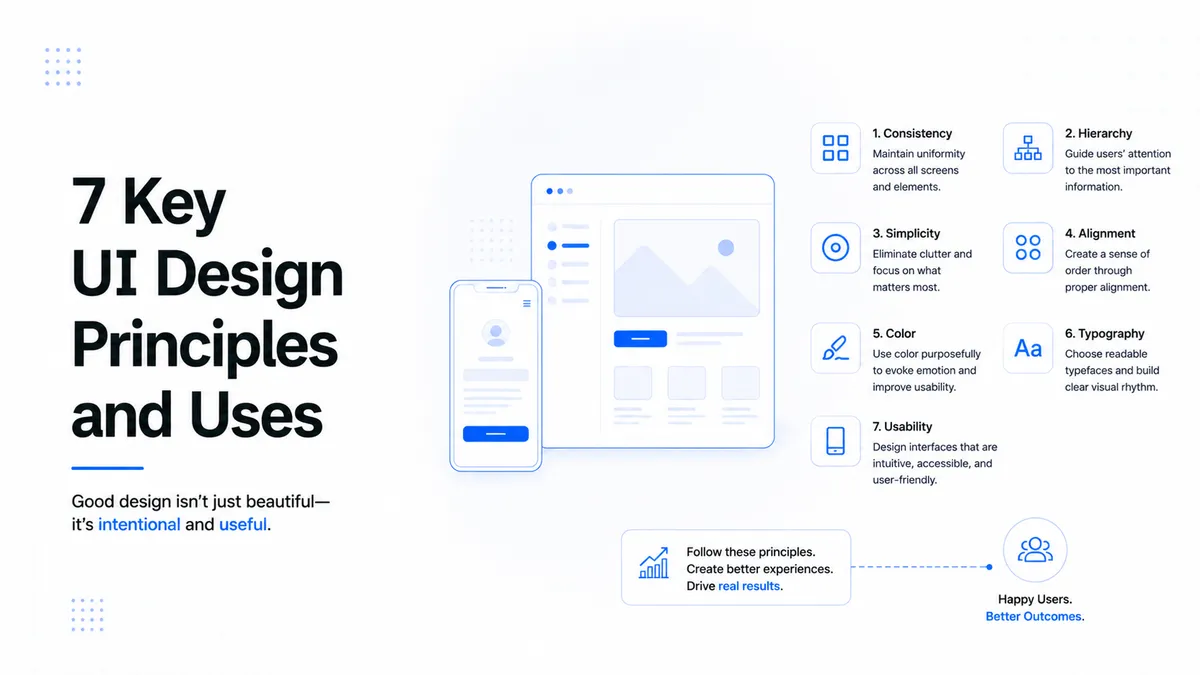
Global Typography Hierarchy Scales: Standardize exact font families, weights, and responsive line heights for your main headers (H1, H2, H3) all the way down to micro body copy.
-
Accessible & Adaptive Color Palettes: Lock down your primary branding colors, secondary accents, and system state tones (Success green, Error red). Ensure every single color pairing strictly meets WCAG 2.1 AA accessibility contrast ratios so your interface is readable for every type of human being.
-
Unified Component States: Build atomic components for elements like buttons, input fields, and dropdowns. Design every single interaction variation up front: Default, Hover, Active, Focus, and Disabled.
Step 3: Conduct Interactive Design Handoff & Frontend Code Translation
The ultimate test of a UI/UX layout is the final developer handoff phase. This is the moment where design mockups are translated directly into high performance, live production code.
Once your high fidelity clickable prototypes are verified and fully approved, your frontend engineers use Figma’s built in Inspect Panel and modern dev modes to extract precise specifications. Because your components were built using structural Auto Layout properties, your development team doesn't have to guess the layout structure. They can extract exact pixel margins, flex box directions, border radii, and typographic tokens. This fluid transition guarantees that your development environment perfectly mirrors your design intentions, resulting in clean, modular, and scalable software code.
Connecting the Architecture Blueprint
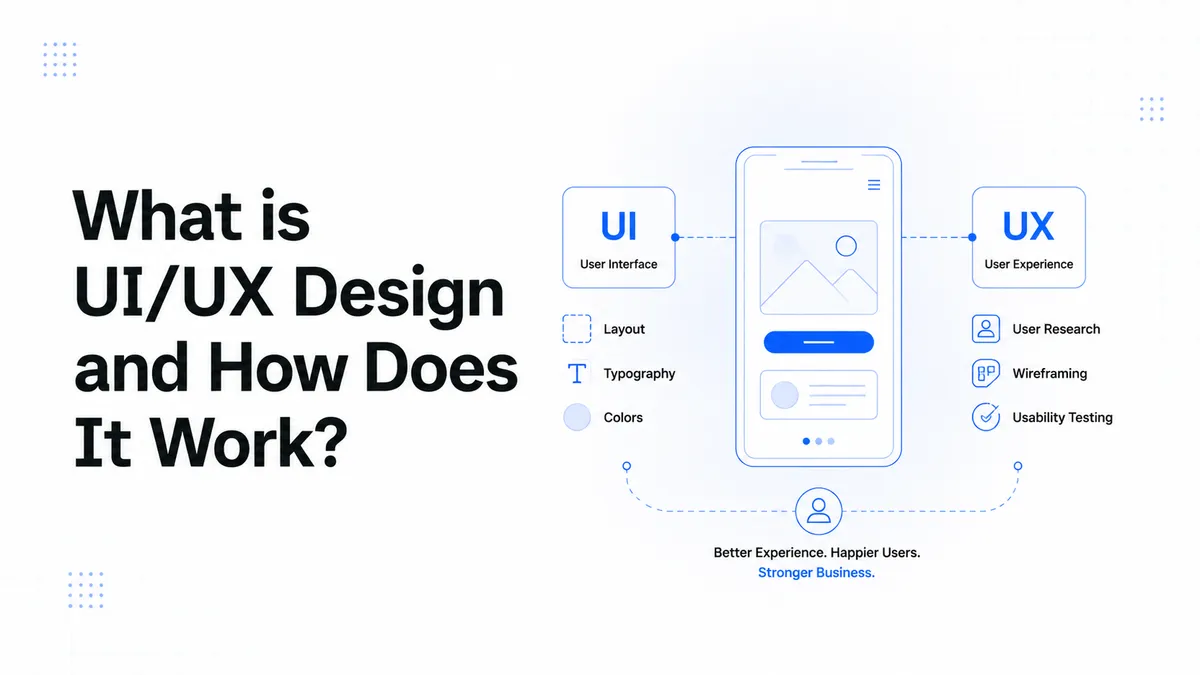
Before you start setting up your local design systems and picking out your software stack, it is absolutely essential to master the fundamental strategic pillars of digital engineering. If you haven't done so yet, make sure to read our complete master guide on What is UI/UX Design and How It Works. Discovering how these custom design systems directly solve painful business bottlenecks and optimize user flows will give you the baseline knowledge required to maximize the value of the advanced tools detailed in this practical guide.
Step into the Blueprint: How This Drives Business Growth
Now that you have the ultimate tools and the step by step framework to build an elite interface stack, it’s time to look at the bigger picture. Tools are only as good as the strategy behind them. If you don't know how these layout systems alter user psychology, reduce bounce rates, and turn cold traffic into enterprise conversions, you are only building half a product.
To bridge the gap between technical design execution and real business revenue, read our core strategic blueprint on What is UI/UX Design and How It Works. Dive deep into the mathematical frameworks that solve critical workflow bottlenecks, eliminate cart abandonment, and establish undisputed digital authority.
To build these scalable systems, our team uses specialized architectures. Check out our custom Serices to scale your infrastructure.
About the Author
Stuck Media is a knowledgeable contributor sharing expertise and insights on technology and business topics.
Comments
Leave a Comment
Your comment will be reviewed by our team before appearing.
Loading comments...