7 Key UI Design Principles And Uses
Learn the 7 essential UI/UX design principles to build high converting mobile apps, custom ERP portals, and scalable SaaS platforms for maximum user retention.
7 Principles of Good UI Design for Mobile Apps and SaaS Products
This comprehensive guide features the 7 essential UI/UX design principles to build high converting mobile apps, custom ERP portals, and scalable SaaS platforms. Learn how to optimize your digital products for maximum user retention, faster performance, and effortless human to software interaction.
Understanding the core principles of good UI design is the difference between an app users open once and one they open every single day.
Today, thousands of new mobile apps and web platforms enter the digital market every day. In this crowded space, building a visually beautiful application is only the first step. If you want users to open your app daily and keep using it for years, your software must be built on a solid foundation of user experience (UX) design. Whether you are developing a basic iOS/Android mobile application, a cloud based SaaS platform for businesses, or a custom ERP software portal for tracking company operations, your main goal is to turn everyday users into paying, loyal customers.
At Stuck Media, our engineering and design team specializes in creating clean, fast, and modern digital interfaces that help businesses scale. In this complete guide, we will break down the 7 most important UI/UX design principles in the simplest terms possible. These principles will help you create a highly successful app that balances powerful software engineering with effortless human interaction.
1. Focus Completely on User Centered Design (UCD)
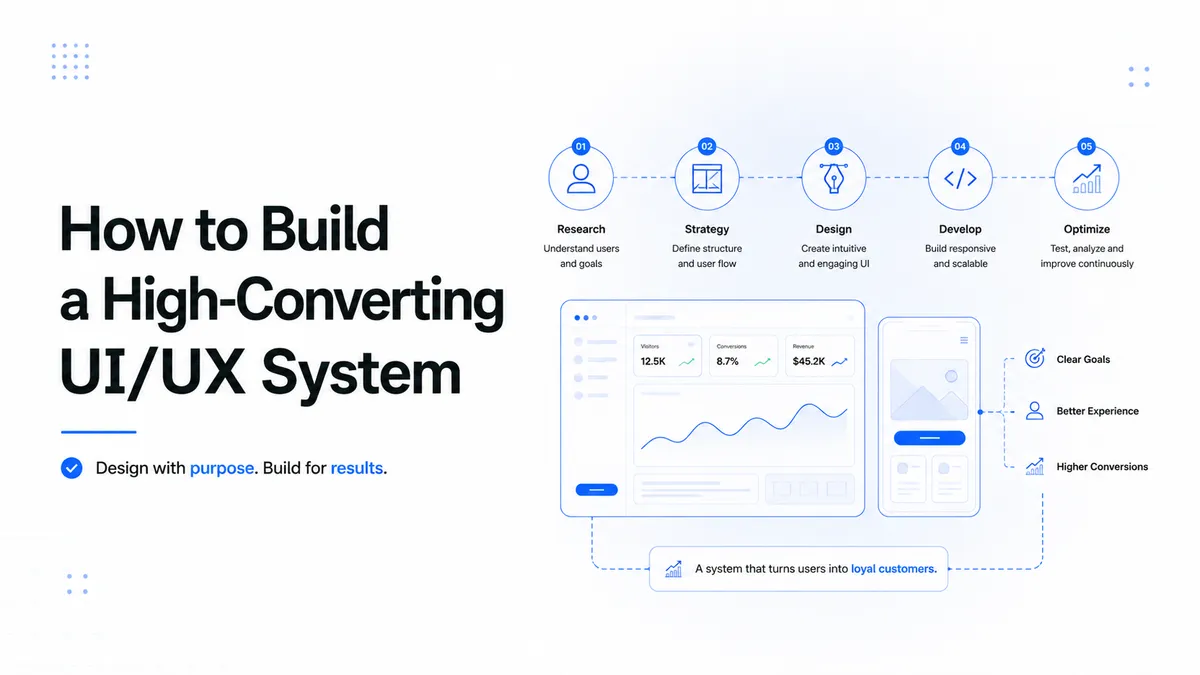
At the heart of every great software application is a simple rule: design for the person who will actually use your product. Before your developers write a single line of frontend or backend code (whether using frameworks like React, Next.js, or mobile tools like Flutter), your design team must do deep research on your target audience. This is called User Centered Design.
To achieve this, you need to create clear "User Personas" which are realistic profiles of your average customers. Find out what they need, what frustrates them, and what tasks they want to finish quickly. For instance, if you are building an automated business system or an enterprise ERP, you must find the exact bottlenecks your workers face every day. When your engineering team plans the application layout with the user’s real goals in mind, the final software becomes incredibly natural to navigate. This dramatically reduces the time needed to train employees and increases your app's daily usage.
2. Keep the Interface Simple, Clean, and Intuitive
One of the absolute golden rules of great UI/UX design is simplicity. Users love applications that do not force them to think. If a user opens your app and sees cluttered screens, complex multi-layer menus, or messy text, they will get frustrated and uninstall your application instantly. A heavy layout increases their mental workload and hurts your retention rates.
To give your clients the highest value in the shortest time, you must remove every single unnecessary button, icon, or text block. Focus on building a clean visual hierarchy. This means:
-
Bold Focal Points: Make the most important elements stand out clearly.
-
Direct Call to Actions (CTAs): Use highly visible, clear buttons like "Get Started" or "Buy Now."
-
Generous White Space: Leave clean, empty areas around your text and buttons so the user's eyes can breathe.
Think about wildly popular global SaaS platforms like Slack or Uber. Their software handles incredibly complex technical data on the backend, but the interface on the frontend is completely effortless for the user.
3. Maintain Absolute Consistency Throughout the Product
Consistency is the glue that holds a great user interface together. When an application behaves exactly the same way across all its different pages, users quickly build muscle memory. They learn how your system works, which builds trust and confidence. To keep your app simple to navigate, you should establish a strict "Design System" that dictates how your product looks on every screen.
Your design system must ensure uniformity across these three pillars:
-
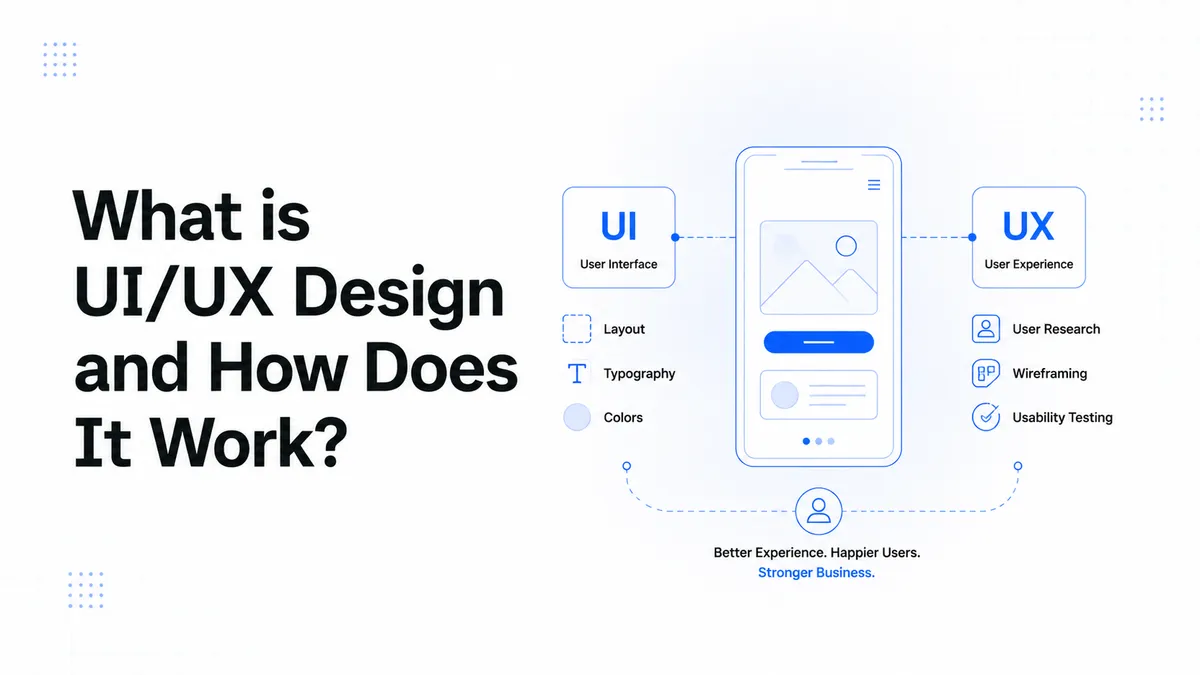
Typography & Fonts: Use a clear font style and keep your sizes consistent. Your headings (h1, h2) and body text must follow the exact same scale on every page.
-
Color Schemes: Stick to a professional color palette. Use neutral tones for backgrounds and a distinct, striking color for interactive items such as our signature vibrant lime green brand accents for buttons and notifications.
-
Component Control: All user elements, such as input text boxes, checkboxes, dropdown menus, and pop up alerts, must look and react exactly the same way everywhere.
If a manager is using a custom mobile ERP portal to track daily sales, consistent layouts ensure they can predict what will happen when they tap a button, preventing any confusion.
4. Optimize for All Screen Sizes (Responsive & Adaptive Design)
In modern web development, users access apps from a massive variety of hardware devices, including compact mobile screens, tablets, laptops, and large desktop monitors. Creating a fixed, rigid design that only looks good on a standard computer is a fast way to fail. Your design must be perfectly responsive and highly adaptive. Let’s look at how these two layout methods work together:
-
Responsive Layouts: This means your app's columns, text sizes, and images automatically shrink or grow fluidly to fit the exact width of the user's current screen view.
-
Adaptive Systems: This takes design a step further by changing how elements behave based on the device type. For example, a heavy data dashboard on a desktop Next.js web application should transform into a clean, single column vertical stack on a mobile smartphone view. This ensures that large targets stay completely easy to tap with a thumb on touchscreens.
5. Prioritize Blazing Fast Speed and Performance
No one likes a slow app. You can hire the best visual designers to create the most stunning custom chatbot or premium SaaS dashboard in the world, but if the pages take more than three seconds to load, your users will leave. Excellent user experience cannot survive on slow backend infrastructure. Speed is a vital design requirement that requires your design team and software developers to work hand in hand.
To ensure your mobile or web app runs at lightning speed, your engineering team should practice these key optimization steps:
-
Asset Compression: Compress all images and graphics, using modern, lightweight formats like WebP or sharp vector SVGs instead of heavy PNGs.
-
Clean Code & Animations: Avoid using heavy, bloated animations that lag the user's phone or drain their battery.
-
Smart Loading Rules: Implement lazy loading so your app only loads complex database information and heavy graphics when the user actually scrolls down to them.
Keeping your frontend interactions light and smooth will keep your users highly engaged and will make Google’s search bots happy, leading to better search rankings.
6. Use Familiar and Standard Navigation Patterns
When it comes to building an accessible application, creativity should never get in the way of clarity. When people download a new app, they expect it to work like other popular apps they already use daily. They rely on universal web conventions that they already understand perfectly.
Your software should always use widely recognized global design elements, including:
-
Bottom Tab Bars: For quick switching between primary app sections on mobile devices.
-
Hamburger Menus: The classic three line corner icon for side navigation links.
-
Floating Action Buttons (FAB): A distinct circular button floating in the bottom corner for the main action, like writing a new message.
While adding a unique creative flare to your brand is fantastic, trying to invent a completely new way to scroll or open a menu will only confuse your audience. Stick to proven UX industry standards so your digital product feels instantly comfortable to everyone from tech savvy startup founders to older enterprise business owners.
7. Build for Universal Accessibility
Inclusive software design means creating a platform that absolutely everyone can use smoothly, including people with visual, hearing, or physical limitations. Building an accessible app is not just a kind thing to do it is a critical business requirement for global distribution that protects your company from legal compliance issues.
To ensure your web pages and mobile views align with international WCAG (Web Content Accessibility Guidelines) standards, always implement these foundational rules:
-
High Contrast Ratios: Ensure your text color stands out perfectly against its background (especially when using modern dark mode themes) so it is easy to read under any lighting.
-
Scalable Font Support: Build your text fields so they automatically adjust when a user increases the text size inside their phone's main settings.
-
Screen Reader Compatibility: Code your HTML components using proper labels and ARIA attributes so that automated assistive voice tools can accurately read the screen aloud for visually impaired users.
By expanding the accessibility of your custom software, you open your business doors to a much larger and more diverse global audience.
To build these scalable systems, our team uses specialized architectures. Check out our custom Serices to scale your infrastructure.
About the Author
Stuck Media is a knowledgeable contributor sharing expertise and insights on technology and business topics.
Comments
Leave a Comment
Your comment will be reviewed by our team before appearing.
Loading comments...