FBR POS Integration for Wholesale Businesses in Pakistan (2026 guide)
Everything wholesalers and distributors in Pakistan need to know about FBR POS integration SRO 709 compliance digital invoicing and avoiding tax penalties.
FBR POS Integration for Wholesale Businesses in Pakistan: What You Actually Need to Know
For years, point of sale (POS) and Federal Board of Revenue (FBR) integration in Pakistan felt like a headache meant only for Tier 1 retail chains and high-end restaurants. That era is officially over.
Today, FBR digital invoicing and real time sales reporting are strict regulatory realities for wholesalers, distributors, and FMCG supply chains operating across the country.
If you manage a wholesale operation, integrating your billing software with the tax authorities is no longer optional. Following the issuance of SRO 709 in April 2025, electronic invoicing became legally mandatory for all corporate and non-corporate registered persons.
Here is a complete, research backed breakdown of what this integration actually entails, how it affects your daily operations, and the exact steps you must take to protect your business.
What Exactly Is FBR POS and Digital Invoicing?
To answer simply, FBR POS integration is a direct digital link between your business's internal billing or ERP system and the central servers of the FBR.
Instead of compiling and submitting sales data at the end of the month, your software transmits the details of every single transaction to the tax authorities when a sale is finalized.
This digital process replaces the old fashioned method of creating paper invoices and ensures that buyers and sellers exchange financial documents in a highly structured electronic format.
A valid digital invoice typically includes the following elements:
- A unique FBR invoice number generated instantly.
- A scannable QR code for immediate verification.
- Itemized tax details, including applicable federal and provincial sales tax rates.
- Buyer and seller information, such as NTN or STRN numbers.
Why Wholesalers and Distributors Must Comply Now
The government expanded this mandate to combat tax evasion and ensure accurate sales tax reporting across the entire supply chain.
Historically, manual systems allowed for backdated, duplicated, or unissued invoices, which resulted in significant lost tax revenue. Digital invoicing helps close this gap by making wholesale and B2B transactions digitally traceable.
As of the latest enforcement phases in 2025 and 2026, the following categories are required to integrate:
- FMCG distributors and wholesalers in fast moving consumer goods supply chains.
- Large scale manufacturers producing goods for distributors, wholesalers, or retailers.
- Tier 1 retailers connected through the POS integration system.
- Corporate registered persons and non corporate registered persons operating at scale.
The Real Cost of Noncompliance: It Is More Than Just Fines
Many wholesale business owners assume that delaying integration will only result in a minor penalty. In reality, the consequences can directly impact revenue and valuable business relationships.
If your business fails to implement the required digital connection, potential consequences may include:
- Heavy fines and penalties.
- Tax notices and audits.
- Disconnection of utilities in applicable cases.
- Suspension of business operations.
- Increased scrutiny of sales and tax records.
The authorities have also expanded their enforcement capabilities, increasing the focus on digital invoicing compliance.
However, one of the biggest risks for a B2B or wholesale operation is losing client trust.
If invoices issued outside the required digital system do not satisfy applicable tax requirements, buyers may face difficulties claiming input tax credits. As a result, customers may prefer suppliers that provide properly documented and compliant invoices.
How to Integrate Your Wholesale Business: Step by Step
Integrating your operations does not necessarily mean throwing away the software you already use.
Depending on your setup, you may be able to connect an existing POS system, custom enterprise application, or ERP to the required reporting workflows.
Step 1: Obtain API Credentials
The first technical step is to register your system through the relevant FBR portal and obtain the credentials required for electronic invoicing.
You will need to provide the required business and software information so that your system can authenticate itself when transmitting invoice data to the relevant government endpoints.
Step 2: Work With a Licensed Integrator
To push data seamlessly, registered persons may need to integrate their invoicing systems through a licensed integrator, depending on the applicable FBR requirements.
Alternatively, Pakistan Revenue Automation Limited (PRAL) may provide integration/configuration services under the applicable government framework.
A licensed integrator or qualified software development team can build the API connector that links your database or ERP to the required government endpoints.
Step 3: Map Data Fields Properly
Your development team must map your internal data fields to the specific data schema required by the authorities.
This precise mapping can include:
- Product names and SKU codes.
- HS codes and units of measurement.
- Prices, quantities, and item-wise discounts.
- Customer CNIC or NTN details for applicable B2B transactions.
- Applicable sales tax rates and tax amounts.
- Invoice numbers and transaction information.
Accurate data mapping is essential because even a small mismatch can cause an invoice submission to fail.
Step 4: Sandbox Testing and Deployment
Before going live, your integration should be tested in the appropriate testing environment.
This allows your team to send test transactions and verify that:
- Invoice data is submitted correctly.
- FBR responses are handled properly.
- Validation errors are identified and resolved.
- Invoice numbers are generated correctly.
- Required QR codes and invoice information are produced correctly.
- Failed transactions can be retried or handled according to the applicable workflow.
Once testing is successfully completed, the live connection can be activated according to the applicable FBR onboarding process.
Streamline Your Compliance With Stuck Media
Wrestling with tax authority APIs while trying to operate a high-volume wholesale business can be a major drain on your team's time and resources.
At Stuck Media, our AI automation and software development teams specialize in bridging the gap between complex legacy systems and modern regulatory requirements.
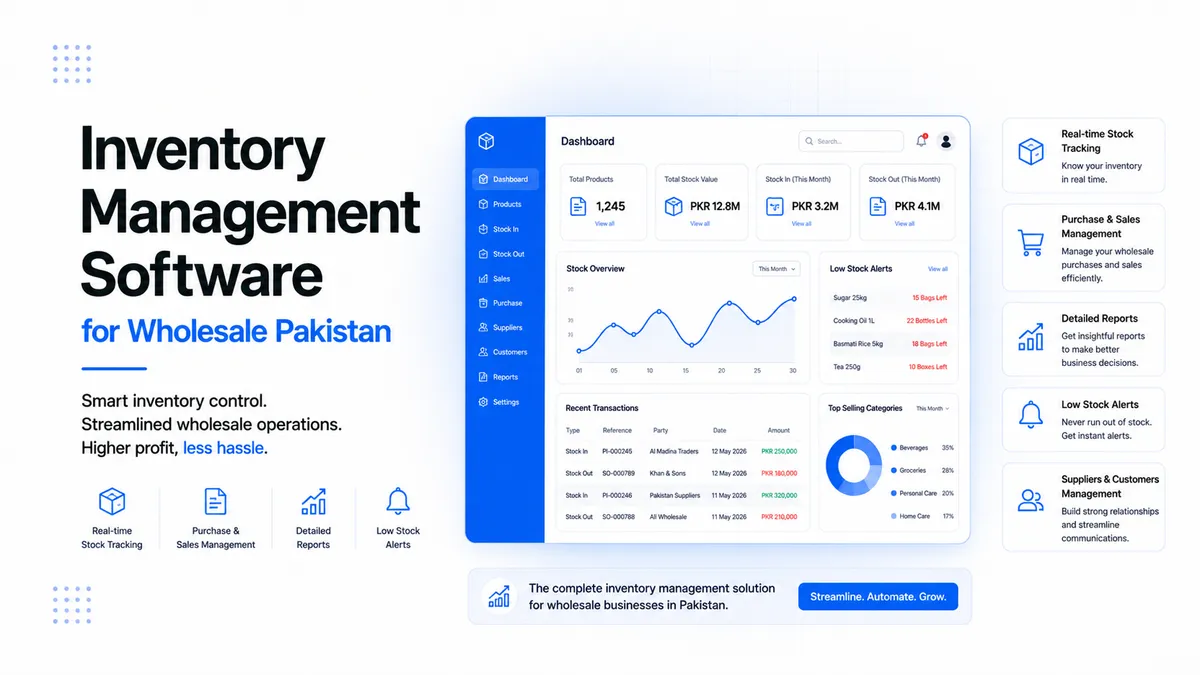
Whether you need a custom connector for your existing ERP or an entirely new scalable wholesale management system, we can help you build a workflow designed around your operational requirements and applicable compliance obligations.
Need to secure your supply chain compliance before the next audit wave?
Contact us today to discuss a seamless integration strategy tailored to your exact operational workflow.
About the Author
Stuck Media is a knowledgeable contributor sharing expertise and insights on technology and business topics.
Comments
Leave a Comment
Your comment will be reviewed by our team before appearing.
Loading comments...